
万户网络知识库 > 第三方 > 酷播 - 视频管理,支持PC和移动端
酷播 - 视频管理,支持PC和移动端
更新时间:2019-03-13 11:11:34 访问量:
项目名称:J_上海爵升生物科技有限公司
访问地址:http://build2.baiwanx.com.cn/shjssw201708024563/product/info_24.aspx?itemid=104&lcid=1
样式

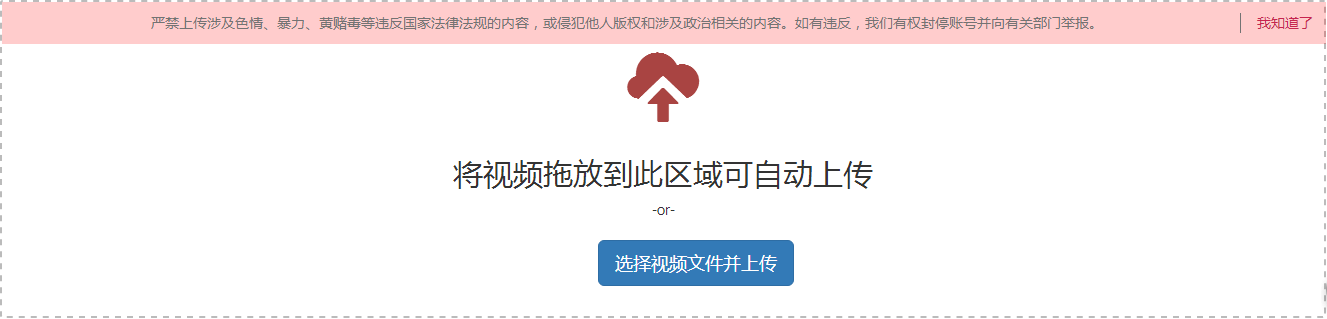
步骤1:上传视频
上传地址:http://v.cuplayer.com/secure/uploadvideo_v2/
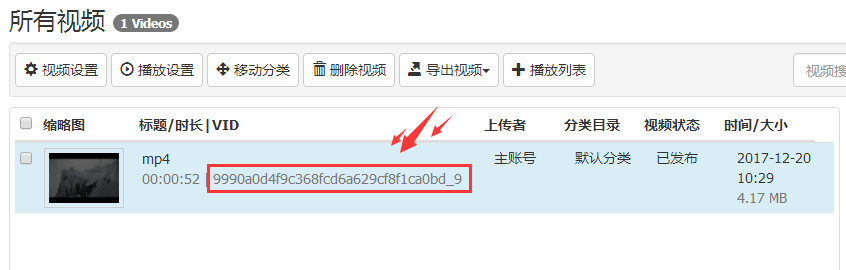
获取视频ID
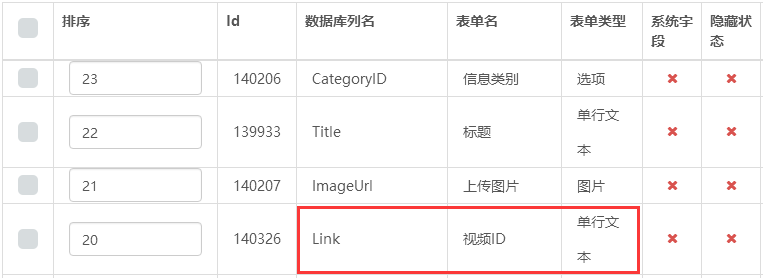
步骤2:后台字段管理
添加单行文字字段管理视频ID
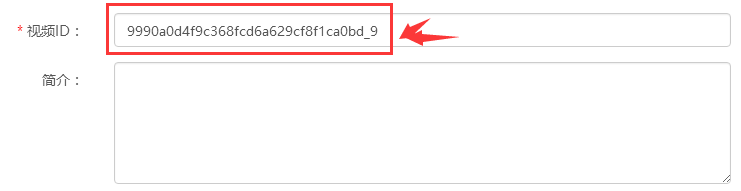
后台添加视频
步骤3:置标读取
html
<div class="videoBox">
<wtl:inforarea>
<wtl:if testtype="{$Link}" TestOperate="NotEmpty">
<successTemplate>
<script src='https://player.polyv.net/script/polyvplayer.min.js'></script> <!--引入js-->
<div class="player" id='player'></div> <!--视频播放器-->
<script>
var h5player=0;
if(h5player=='1'){
var player = polyvObject('#player').videoPlayer({
'vid' : "{$Link,parent}",
'width':"100%",
'height':"100%",
'flashvars': {"interaction_img_height":"120"},
'forceH5': true,
'playsafe': ""
});
}else{
var player = polyvObject('#player').videoPlayer({
'vid' : "{$Link,parent}",
'width':"100%",
'height':"100%",
'flashvars': {"interaction_img_height":"120"}
});
}
</script>
</successTemplate>
<failureTemplate></failureTemplate>
</wtl:if>
</wtl:inforarea>
</div>
css
.RighInfo001108 .videoBox .player{ width:100%; height:100%;}
.RighInfo001108 .videoBox .player video{ width: 100% !important; height: 100% !important;}